SVG vs PNG for Web Performance in 2026: Which One Should You Use?
Choosing the wrong image format kills your Core Web Vitals. Discover when SVGs cause massive DOM bloat and when PNGs are essential for high-performance websites in 2026.
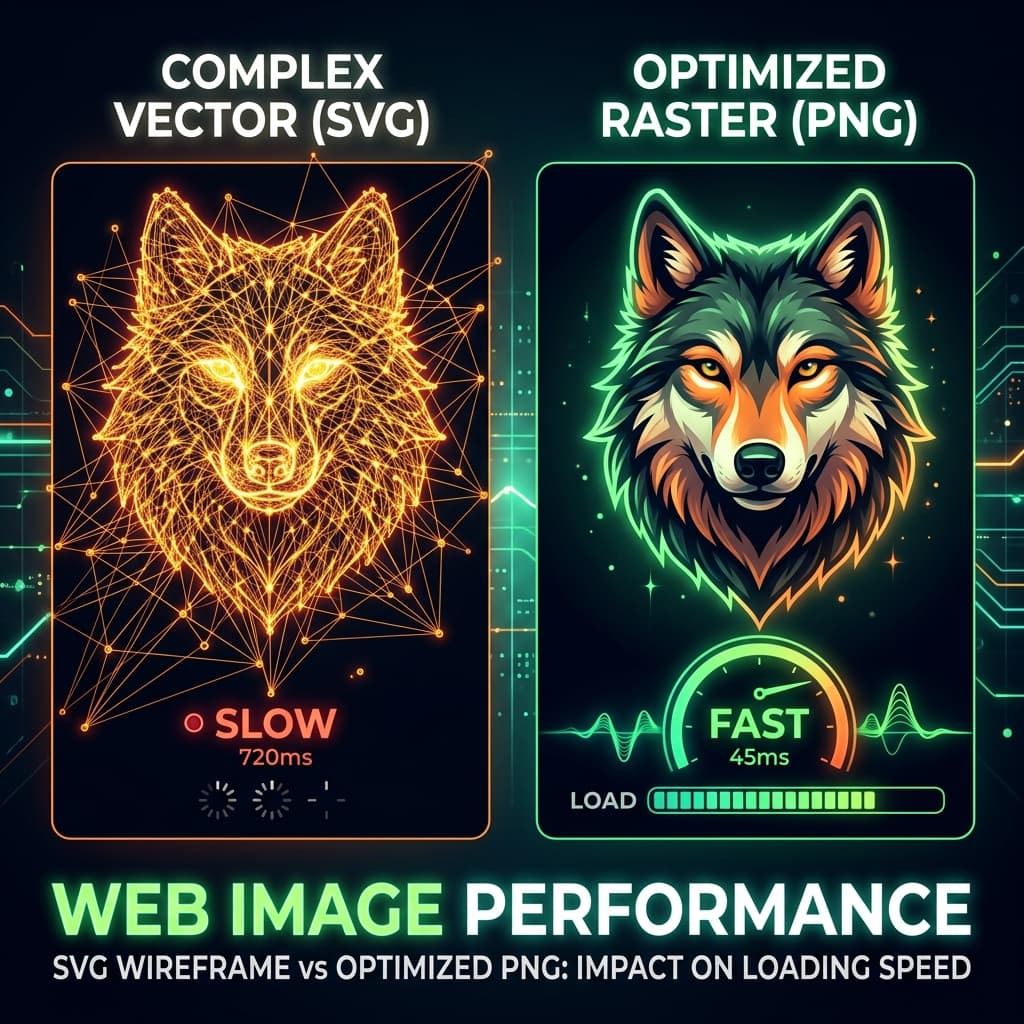
TL;DR: While SVGs are infinitely scalable and perfect for simple logos and icons, complex vector graphics can paralyze your browser by creating massive DOM bloat, tanking your Core Web Vitals. For highly detailed illustrations or graphics with thousands of paths, converting your vector to a highly optimized raster format like WebP or PNG will dramatically improve your page speed in 2026.
The Vector Image Myth
There is a long-standing myth in front-end development: "SVGs are always smaller and faster than PNGs."
Because SVGs (Scalable Vector Graphics) are mathematically drawn rather than built with pixels, developers often assume they represent the ultimate web performance hack. They scale perfectly on Retina displays without blurring, and simple icons result in file sizes of just a few kilobytes.
But as web design in 2026 moves heavily toward complex, organic illustrations, AI-generated mesh gradients, and highly detailed "glassmorphism" vectors, relying exclusively on SVGs has become a significant performance trap.
The Problem: DOM Bloat and Render Blocking
Unlike raster graphics (PNG, WebP, JPG) where the browser simply decodes a grid of pixels, an SVG is essentially an XML document.
When you inject a complex SVG "inline" into your HTML, or when the browser has to render it, it must parse every single <path>, <circle>, and <polygon> element. If your designer exported a complex illustration from Figma or Illustrator, that SVG might contain thousands of complex geometric coordinate paths.
Here is what happens to your website:
- DOM Size Explodes: Google's Lighthouse penalizes pages with more than 1,500 DOM nodes. A single complex SVG can easily add 2,000 nodes to your page.
- CPU Bottlenecking: Your user's mobile processor has to mathematically compute the curves and gradients of thousands of paths before the page is usable (Tanking your Total Blocking Time metric).
- Memory Leaks: Animating complex SVGs consumes vast amounts of RAM, causing laggy scroll behavior.
When to use SVG (The Clear Winner)
You should absolutely use SVGs, but restrict them to:
- UI Icons: User interfaces, chevron arrows, hamburger menus.
- Brand Logos: Flat shapes, distinct colors, and text.
- Simple Geometric Art: Flat illustrations with under 100 paths.
SVGs shine here because their file sizes are minuscule (often under 2KB) and they remain perfectly crisp on any device DPI.
When to use PNG/WebP (The Performance Savior)
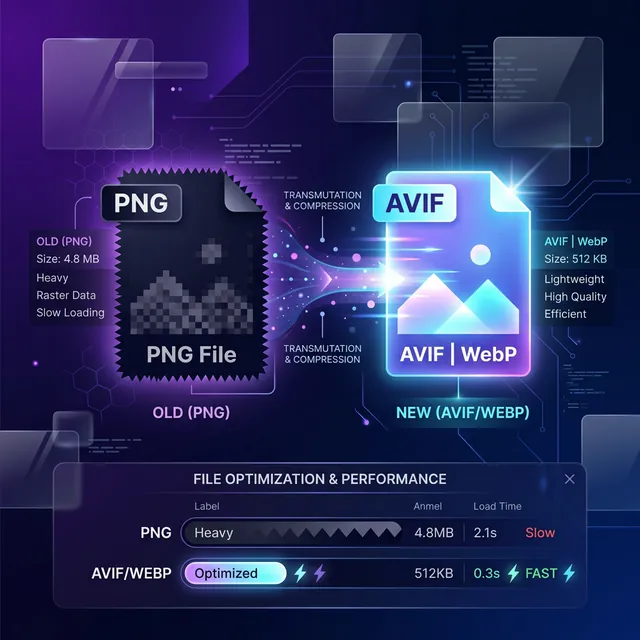
You must switch to raster images (PNG, or preferably compressed modern formats like WebP or AVIF) in the following scenarios:
- Complex UI Illustrations: If the illustration contains shadows, glow effects, or thousands of layers.
- Mesh Gradients: These generate enormous math calculations in SVG.
- AI-Traced Vectors: If an image was bitmap-traced to vector, it creates thousands of microscopic paths.
A Real-World Comparison
Imagine a highly detailed vector illustration of a city skyline at sunset with a complex gradient sky.
- As an SVG: The file is 850 KB and contains 4,500 nodes. On a mid-range phone, it blocks the main thread for 400ms while computing paths.
- Converted to PNG/WebP: The file is compressed to 120 KB. It adds 0 extra DOM nodes (just the
<img>tag) and renders instantly on the GPU.
How to Fix Your Image Performance
If you find that an SVG is slowing down your page, your best move is to rasterize it—convert it into a flat grid of pixels.
Usually, finding the optimal balance between a crisp resolution and a tiny file size involves jumping through hoops in professional design software. But you can solve this locally, right in your browser.
The Workflow for 2026 Web Vitals:
- Isolate the offending, highly complex SVG.
- Use a client-side tool like our SVG to PNG Converter to render the vector at 2x resolution (for Retina crispness) and download it as a PNG without it ever leaving your machine.
- Pass that new PNG straight into our Image Converter to crush it down into a highly optimized WebP file.
By moving your heavy vectors back into modern raster formats, you instantly resolve DOM bloat, lower CPU parsing time, and deliver a vastly smoother experience for mobile users.